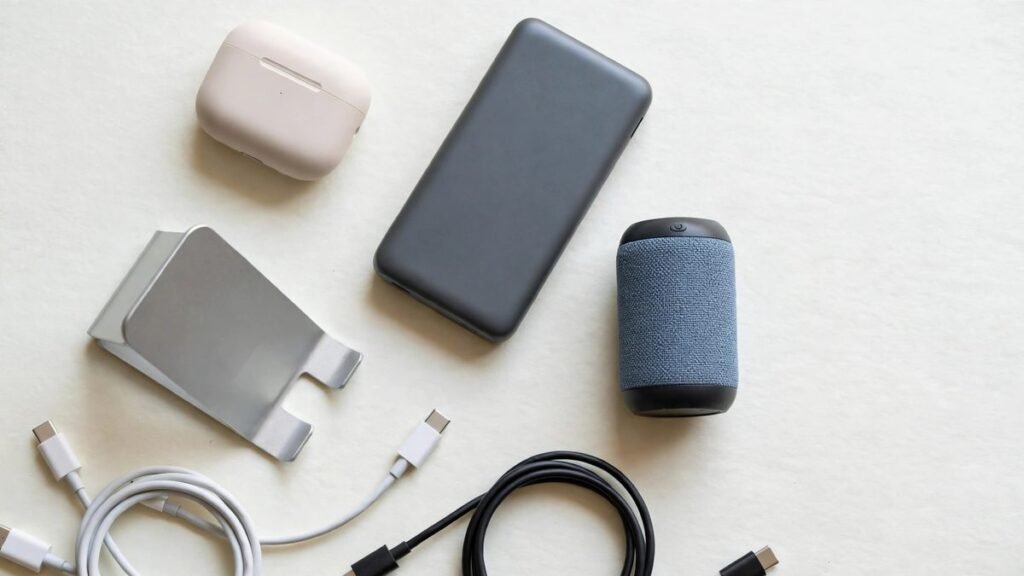
Under $30 is the sweet spot for tech gadgets: enough money for something genuinely useful, but not so much that a mistake hurts. This guide covers USB-C hubs and cables, phone stands, LED desk lights, Bluetooth trackers and portable chargers as product types, with typical price ranges in USD and practical compatibility and safety tips for US shoppers. We are not inventing exact specs for specific models; instead, we explain what to check so you can compare real listings with confidence.
USB-C hubs and cables
A small USB-C hub, often about $15 to $30, can add HDMI, USB-A ports and card readers to a laptop with limited ports. A braided USB-C cable, often about $8 to $20, is a simple upgrade for charging and data transfer. Check three things: the hub’s port types, whether it passes through charging power, and cable length. For laptops, confirm the hub works with your laptop’s USB-C port and operating system. For phones, confirm whether your phone uses USB-C or Lightning.
Pros and cons
- Pros: solves port problems, improves desk setup, cables are easy gifts.
- Cons: cheap hubs can run warm or drop connections, so buy from reputable sellers.
Phone stands
Phone stands, often about $10 to $25, are useful for video calls, watching videos, following recipes and desk work. Choose between a simple adjustable stand, a clamp mount, or a stand with a built-in charger. Check the maximum phone size, the angle range, and whether the base is weighted enough not to tip. If you use a thick phone case, confirm the stand still holds the phone securely.
LED desk lights
A compact LED desk light, often about $15 to $30, can improve reading, homework and video calls. Look for adjustable brightness, a warm-to-cool color temperature range, and a stable base or clamp. USB-powered lights are convenient for students and renters. Check the power source: some lights plug into USB, others need a wall adapter that may not be included. A light with memory of your last setting is a small feature that feels premium at this price.
Bluetooth trackers: basics
Bluetooth trackers, often about $20 to $30 for a single tracker or a small pack on sale, attach to keys, bags or wallets and help you find them with your phone. Range varies by environment, and trackers do not work like GPS everywhere; they rely on Bluetooth proximity and, for some ecosystems, a network of other devices. Check compatibility with your phone platform, battery replaceability, and whether the tracker needs a subscription for extra features. For luggage, check airline rules and remove batteries if required.
Portable chargers
A portable charger or power bank, often about $15 to $30 for a modest capacity, is one of the most useful under-$30 gadgets. Check capacity in milliamp-hours, output ports, and whether it supports fast charging for your phone. Safety matters most here: prefer chargers that show recognized US safety certification such as UL listing, buy from reputable sellers, and avoid damaged or swollen batteries. Keep power banks out of extreme heat, such as a hot car in summer.
Compatibility and safety tips for US shoppers
Compatibility is the most common reason budget tech disappoints. Match the connector to your device, check the operating system requirements, and read the return policy before buying. For chargers and cables, look for certification marks and clear wattage ratings. For anything that plugs into a wall, confirm it is designed for US outlets. Keep firmware and apps updated, and be cautious with no-name electronics that seem too cheap for the claimed features.
Comparison: which under-$30 gadget should you buy first?
- Best for laptop users: a USB-C hub.
- Best for phone users: a portable charger or phone stand.
- Best for students: an LED desk light.
- Best for forgetful key owners: a Bluetooth tracker.
- Best simple gift: a quality braided USB-C cable.
Frequently asked questions
Are tech gadgets under $30 worth it?
Yes, if you choose a product type that solves a real problem and check compatibility and safety information. The lowest price is rarely the best value for chargers and hubs.
What does UL certified mean for chargers?
UL listing means the product has been tested by a recognized safety laboratory. It is a helpful sign, especially for portable chargers and wall adapters, though you should still buy from reputable sellers.
Will a USB-C hub work with my laptop?
It depends on your laptop’s ports and operating system. Check the hub’s requirements and your laptop’s USB-C capabilities before buying.
Do Bluetooth trackers work without a subscription?
Basic finding features usually work without a subscription, but some extra features may require one. Check the tracker ecosystem before you buy.
Conclusion
The best tech gadgets under $30 in the USA are practical everyday helpers: a hub that expands your laptop, a stand that improves calls, a light that makes work easier, a tracker that finds your keys, or a charger that keeps your phone alive. Focus on compatibility, safety certification and total price in USD, and you can get real value without spending a lot. Start with the gadget that solves your most annoying daily problem, and you will use it far more than a novelty item.
A simple buying checklist for under-$30 tech
Before you click buy, pause for sixty seconds and run through a short checklist. First, write down the exact device you need to connect or charge, including its port type and operating system. Second, check the total price in USD, including shipping and tax, and compare it with your budget rather than the headline discount. Third, look for clear safety and certification information on chargers, cables and hubs, and buy from a seller with a straightforward return policy. Fourth, check the warranty length and whether replacement parts, such as tracker batteries or hub cables, are easy to find in the USA. Finally, ask whether the gadget needs an app or subscription, and whether you are comfortable with that ongoing cost or data use. This checklist takes less than a minute, but it prevents the most common budget-tech regrets: a hub that does not fit your laptop, a charger that is slow for your phone, a stand that tips over with your case, or a tracker that needs a subscription you did not expect. If an item passes the checklist and solves a daily problem, it is usually worth its modest price. If it fails two or more checks, keep looking. Saving a few dollars is not a saving if the gadget ends up in a drawer unused.
🛒 Shop This Guide – Buy on Amazon
Affiliate Disclosure: Trend Trolley is a participant in the Amazon Services LLC Associates Program. If you buy through a link on this page, we may earn a small commission at no extra cost to you. Prices and availability change often, so please check the current price on Amazon before you buy.
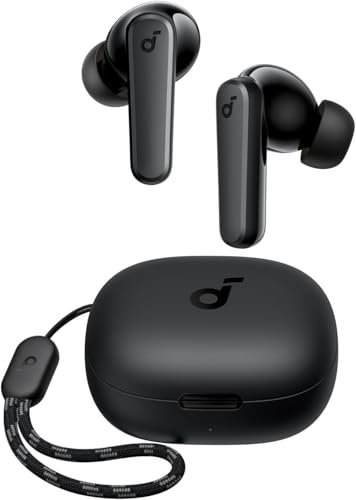
Soundcore by Anker P20i Earbuds – Buy on Amazon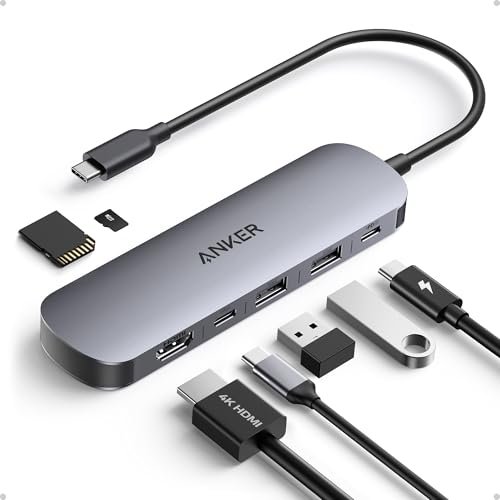
Anker USB C Hub 7-in-1 – Buy on Amazon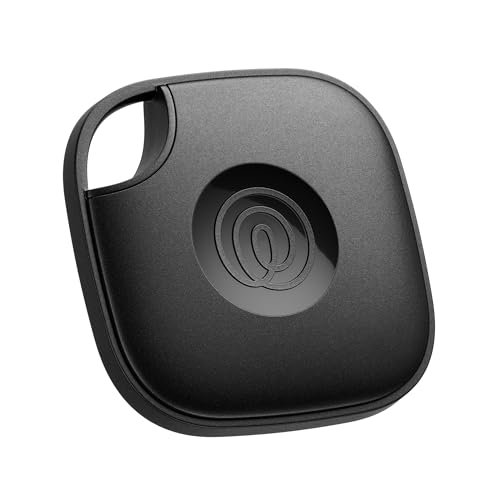
Life360 Tile Mate (2024) – Buy on Amazon
SanDisk Ultra 64GB microSDXC Card – Buy on Amazon
As an Amazon Associate, Trend Trolley earns from qualifying purchases.